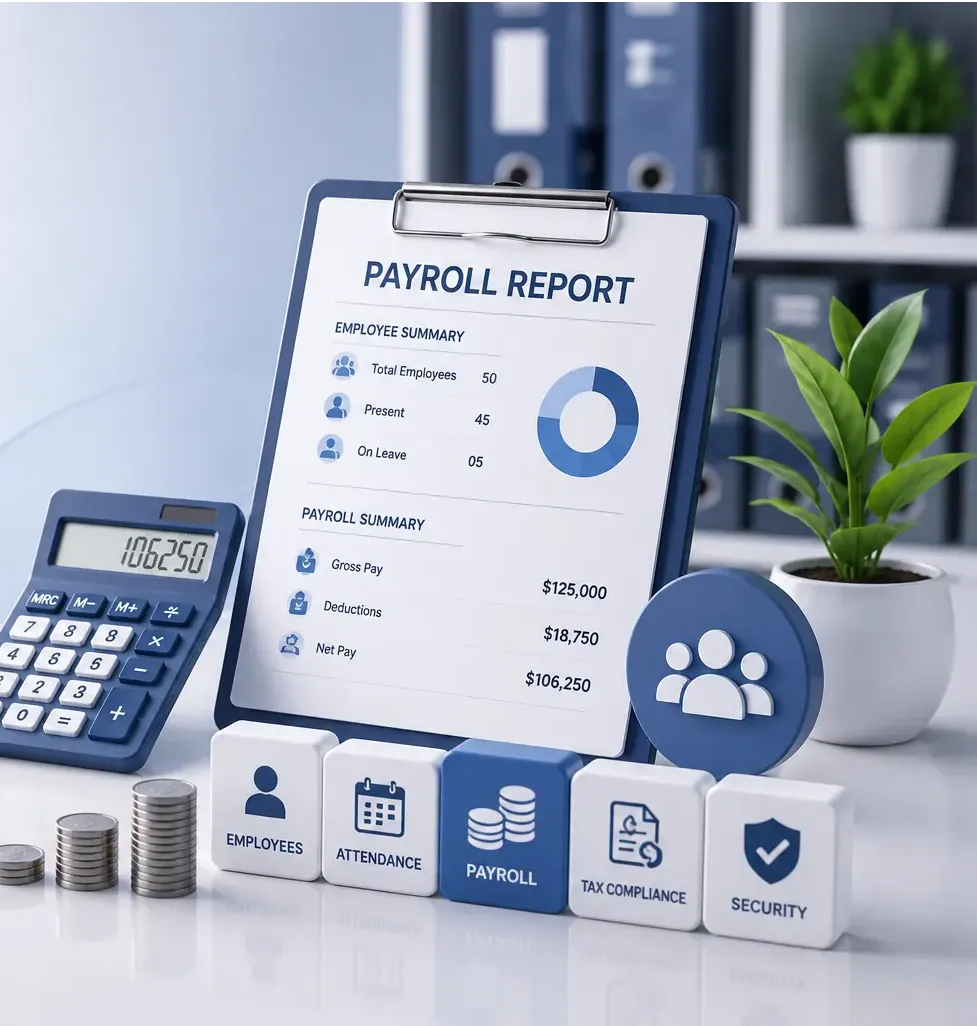


Invoice Data Mapping
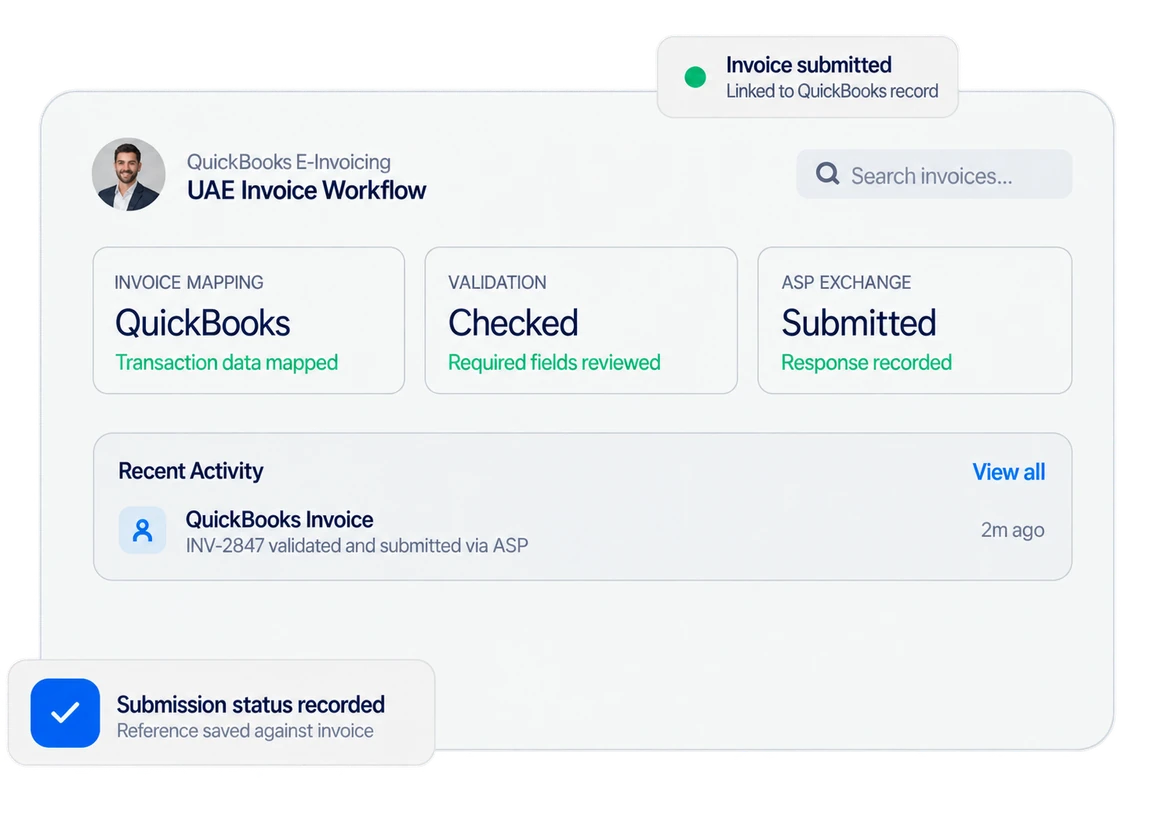
Elate reads QuickBooks invoice details and maps supplier, buyer, tax, currency, dates, items, discounts, charges, and payment information.
Elate e-invoicing system connects QuickBooks invoice data with UAE e-invoicing requirements, mapping transaction details into structured records for submission through your Accredited Service Provider, while finance teams continue working inside QuickBooks processes.
BUILT FOR QUICKBOOKS USERS
Elate works around the QuickBooks records your finance team already uses. Approved invoice data is read, mapped, validated, and prepared for electronic exchange, reducing the gap between familiar bookkeeping routines and UAE e-invoicing requirements.
14+ Years
Working With Business Software
2000+
Projects Successfully Delivered

DAILY E-INVOICING CONTROLS
Elate reads QuickBooks invoice details and maps supplier, buyer, tax, currency, dates, items, discounts, charges, and payment information.
It checks required e-invoicing fields before invoice data moves to the configured service provider.
Process QuickBooks invoices in the format that matches UAE e-invoicing processes.
You can follow validation results, references, and invoice status without relying on scattered email checks.
Set Elate e-invoicing around the QuickBooks company files, invoice fields and tax details your finance team uses.

The system configures mappings, required fields, company files, and workflows around actual invoicing requirements.
Elate connects QuickBooks invoice data with the selected Accredited Service Provider, reducing duplicate entry.
Validation catches missing or mismatched invoice information before submission, giving accountants fewer corrections.
Limit e-invoicing functions and visibility through user permissions and secure access.

Review invoice submission results and processing status from a record.
Add company files, entities, or transaction volume without redesigning the whole QuickBooks accounting process.
CORE E-INVOICING FEATURES
Read approved QuickBooks invoice transactions without recreating the same commercial details elsewhere.
Map supplier and buyer data, TRNs, addresses, VAT categories, and other details easily.
Convert mapped invoice information into the structured format required for the UAE electronic invoice exchange.
Check required invoice fields before sending data onward, so gaps can be corrected earlier.
Send validated invoice data through the Accredited Service Provider configured for your business.
Record processing status, including successful, pending, and failed, against the relevant QuickBooks transaction.
Configure Elate for businesses that operate more than one QuickBooks company file.
Maintain submission logs and invoice response history for review, troubleshooting, and future compliance checks.
Before configuration, review your QuickBooks company file, invoice layout, VAT data, customer records, and required fields. We map Elate around those transaction details, so finance users can continue creating invoices through a process they already understand while the e-invoicing layer handles structured data preparation.
Before configuration, review your QuickBooks company file, invoice layout, VAT data, customer records, and required fields. We map Elate around those transaction details, so finance users can continue creating invoices through a process they already understand while the e-invoicing layer handles structured data preparation.
FOR UAE BUSINESS TEAMS
Elate e-invoicing suits QuickBooks users who need structured electronic invoice exchange without replacing familiar current accounting routines. It connects invoice records with required data mapping, validation, service-provider exchange, and status tracking, giving finance teams a practical route from QuickBooks transactions to compliant UAE e-invoicing workflows.
Discuss your workflowOur Customers
Dubai, United Arab Emirates
We have used Elate's solutions for over a year now, and their software has transformed our property management operations. The ease of managing multiple properties, handling maintenance requests, and staying on top of finances has been a game-changer. The customizable features and intuitive interface make it a go-to choice for any real estate professional looking to streamline their business efficiently.
Abu Dhabi, United Arab Emirates
Elate has been a game-changer for our business. Their HRMS and payroll solution has streamlined our operations remarkably. The team's support and expertise in customization have been exceptional, tailoring the platform to fit our unique business needs. Their commitment to innovation and customer satisfaction truly sets them apart.
Muscat, Oman
Choosing Elate for our software needs was one of the best decisions we made. Their comprehensive range of software solutions, coupled with top-notch customer service, has significantly improved our efficiency. The team's dedication to understanding our requirements and delivering reliable, scalable solutions has been commendable.
Riyadh, Saudi Arabia
Managing attendance, payroll, and employee records is now much easier for our team. The system is clear, dependable, and gives management the reports we need without spending hours preparing them manually.
Doha, Qatar
Elate simplified our invoicing and daily financial reporting. Our team adapted quickly, and the support provided during setup made the transition smooth across all our branches.
Manama, Bahrain
We needed a solution that could grow with our operations and connect our core processes. Elate delivered a practical platform that improved visibility, reduced repeated work, and helped our teams collaborate more effectively.
Sharjah, United Arab Emirates
The POS and inventory tools give us a much clearer view of sales and stock across locations. Routine tasks are faster, reports are easier to understand, and our staff can focus more on customers.
Dubai, United Arab Emirates
The QuickBooks integrations removed several manual steps from our accounting workflow. Data now moves more consistently between systems, month-end work takes less time, and our finance team has greater confidence in the reports.
Your team creates the invoice in QuickBooks as usual. Elate reads the approved transaction and uses that information for the e-invoicing process, so staff are not typing the same customer, VAT, and line-item details into another system.
Small data gaps cause more trouble than people expect. A missing TRN, incomplete buyer address, incorrect VAT category, or badly mapped field can stop an invoice from moving forward. Elate checks these details before submission, so the issue can be fixed while the transaction is still easy to trace.
Quite possibly. Older QuickBooks files often contain customer names entered three different ways, blank tax fields, outdated addresses, or records created before anyone thought about structured e-invoicing. Part of the setup is checking which details need correcting or mapping properly.
You should not have to chase emails or ask someone in IT. Elate records the processing status against the relevant transaction, including if the invoice was successful, pending, or failed, along with the response information available from the exchange process.
Start with the details because those are usually what cause problems later: customer TRNs, supplier information, addresses, VAT treatment, invoice fields, credit notes, currencies, and company-file structure. Once those records are clean, the technical connection becomes a much more straightforward job.
Use QuickBooks invoice in the demo and see how Elate maps, validates, and prepares structured data. Request a demo today.
TALK TO OUR TEAM