


Browser Application Access
Open assigned applications through the browser and work remotely without installing software on the device.
Elate Remote Application gives teams browser access to TallyPrime, QuickBooks, Elate Addins, and Sage from different locations, with authorized access, centralized company data, local printing, secure sessions, and familiar software.
MADE FOR BUSINESSES
Elate Remote Application gives finance teams a familiar way to open accounting software remotely. Users sign in through the browser portal, select the assigned application, open their company file, and continue working.
Multiple Applications
TallyPrime, QuickBooks, Sage, Elate addins Access
1
Browser Portal
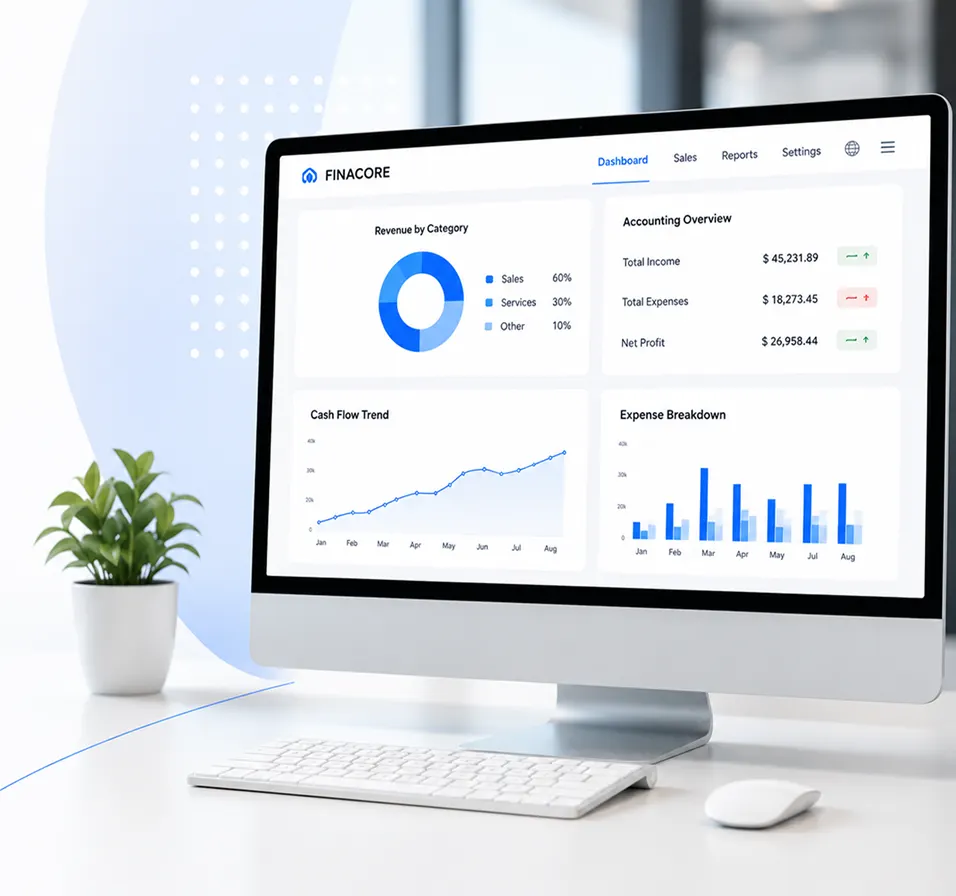
EVERYDAY REMOTE ACCESS
Open assigned applications through the browser and work remotely without installing software on the device.
Users access company files remotely and continue work through their assigned application.
Authorized users enter credentials before the assigned remote application appears inside the browser portal.
Finish work by exiting the accounting application, then use the portal logoff option to close the session.
Use existing software through the Elate Remote Application without changing the familiar program your finance team uses.

Access TallyPrime, QuickBooks, Elate Addins, or Sage through the assigned browser portal remotely.
Company data remains centralized at head office while authorized employees work remotely from different geographical locations online securely.
Users open the remote portal, choose their assigned application, and work without installing that software.
Access is limited to authorized users through credentials and secure sessions.
Print invoices and reports directly through your local printer.
Give approved teams remote access from different locations over the internet.
CORE REMOTE FEATURES
Use the full accounting functionality remotely through a web browser.
TallyPrime users can open the application remotely and work with the company data stored at head office.
QuickBooks users can choose the company file, enter login details, and continue through the familiar interface.
Elate Add-ins can appear alongside the accounting applications within the remote environment, giving users access to the additional tools configured for their working setup.
Sage users can open the application through the Elate Remote portal and continue working with their assigned company data from another location.
Assigned applications become visible in the Remote App list after portal login.
Employees can work from any location without installing the accounting program on their device.
Access company information in real time while working away from head office.
Our team prepares remote access around the accounting application your business already uses. Each approved user receives the portal details required to sign in through a browser.
Our team prepares remote access around the accounting application your business already uses. Each approved user receives the portal details required to sign in through a browser.
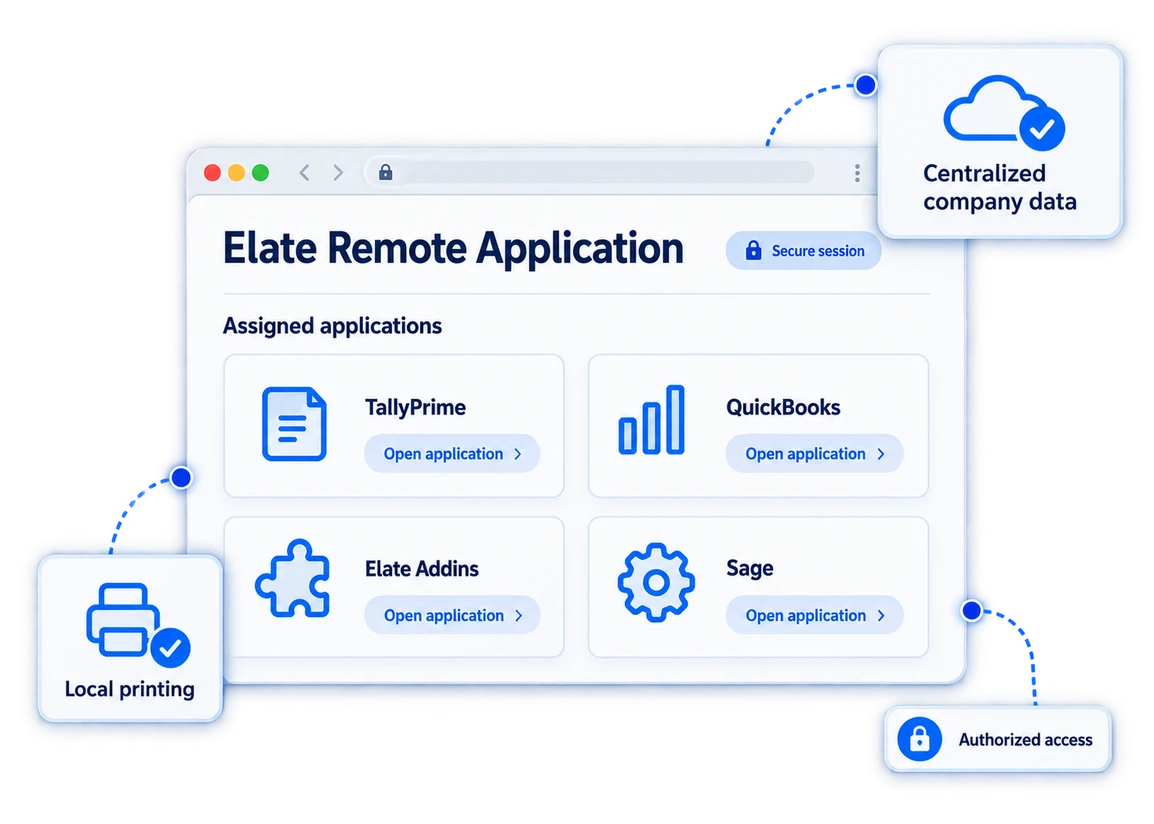
ELATE REMOTE APPLICATION
Elate Remote Application suits businesses using TallyPrime, QuickBooks, Elate Addins, or Sage across more than one working location. Staff can access assigned applications through a browser, work with centrally managed company data, print locally, and use familiar software without installing it on every device.
Talk to Our TeamOur Customers
Dubai, United Arab Emirates
We have used Elate's solutions for over a year now, and their software has transformed our property management operations. The ease of managing multiple properties, handling maintenance requests, and staying on top of finances has been a game-changer. The customizable features and intuitive interface make it a go-to choice for any real estate professional looking to streamline their business efficiently.
Abu Dhabi, United Arab Emirates
Elate has been a game-changer for our business. Their HRMS and payroll solution has streamlined our operations remarkably. The team's support and expertise in customization have been exceptional, tailoring the platform to fit our unique business needs. Their commitment to innovation and customer satisfaction truly sets them apart.
Muscat, Oman
Choosing Elate for our software needs was one of the best decisions we made. Their comprehensive range of software solutions, coupled with top-notch customer service, has significantly improved our efficiency. The team's dedication to understanding our requirements and delivering reliable, scalable solutions has been commendable.
Riyadh, Saudi Arabia
Managing attendance, payroll, and employee records is now much easier for our team. The system is clear, dependable, and gives management the reports we need without spending hours preparing them manually.
Doha, Qatar
Elate simplified our invoicing and daily financial reporting. Our team adapted quickly, and the support provided during setup made the transition smooth across all our branches.
Manama, Bahrain
We needed a solution that could grow with our operations and connect our core processes. Elate delivered a practical platform that improved visibility, reduced repeated work, and helped our teams collaborate more effectively.
Sharjah, United Arab Emirates
The POS and inventory tools give us a much clearer view of sales and stock across locations. Routine tasks are faster, reports are easier to understand, and our staff can focus more on customers.
Dubai, United Arab Emirates
The QuickBooks integrations removed several manual steps from our accounting workflow. Data now moves more consistently between systems, month-end work takes less time, and our finance team has greater confidence in the reports.
Yes. Log in to the Elate Remote portal from your browser, open the application assigned to you, and select the company file you need. You could be at another branch or working from home and still use the accounting program you already know.
No. You access the application through the browser portal. So if you are using a laptop away from the office, you do not have to install the accounting software on that particular machine before you can start working.
Yes. You can print invoices and reports through a local printer at the location where you are working. It is a simple detail, but an important one when a customer is standing there waiting for an invoice or a manager wants a report on paper.
No. You still work inside TallyPrime, QuickBooks, Elate Addins, or Sage. The remote portal is simply how you reach the application from another location. Once the software opens, the working environment is the one your team is already familiar with.
Finish your work inside TallyPrime, QuickBooks, Elate Addins, or Sage, exit the program normally, and then log out of the remote portal. It is worth doing properly.
See Elate Remote Application using the accounting software your team already knows. Request a demo and test remote access with your working setup.
Get a Free Demo